Projects and sprints, linked to people’s work
- Reads your Jira projects, issues, boards and sprints
- Issue activity shows up without manual syncing
- Read-only: Case Code OS does not create or edit issues
 Case Code OS
Live
Employee records, attendance, project timesheets, leave and monthly gross payroll in one place, connected to Jira and GitHub. We built it to run Case Code itself.
14-day free trial. Nothing is charged until it ends. Sign up with your company’s Google Workspace account. Already a customer? Sign in.
Hours chased in chat every Friday
People log weekly hours per project; managers approve or return them
Leave balances in a spreadsheet nobody trusts
Yearly entitlements, carry-over, and only working days taken from the balance
Payroll rebuilt by hand each month
Monthly gross pay from approved, locked hours, with payslips and a bank payment file
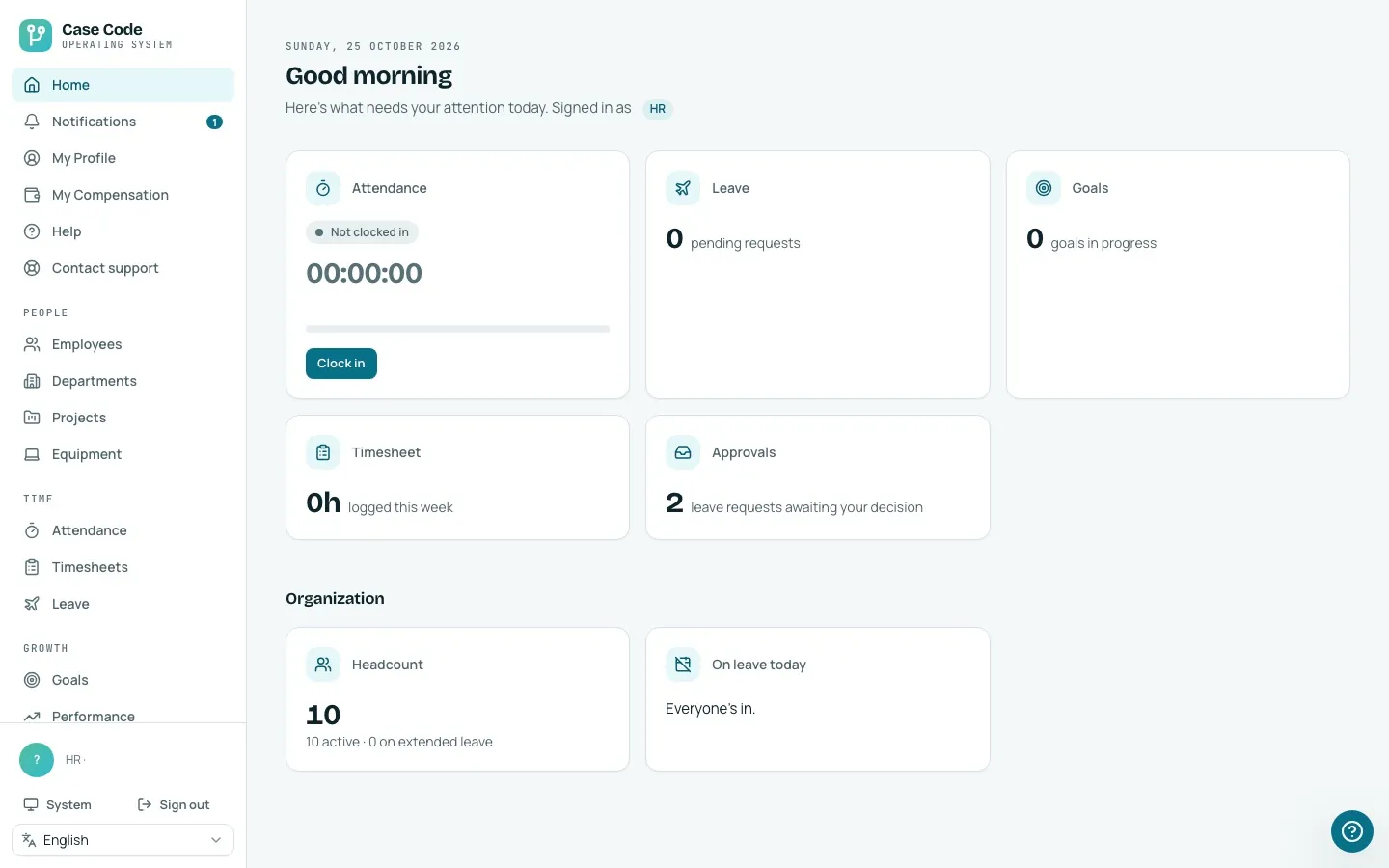
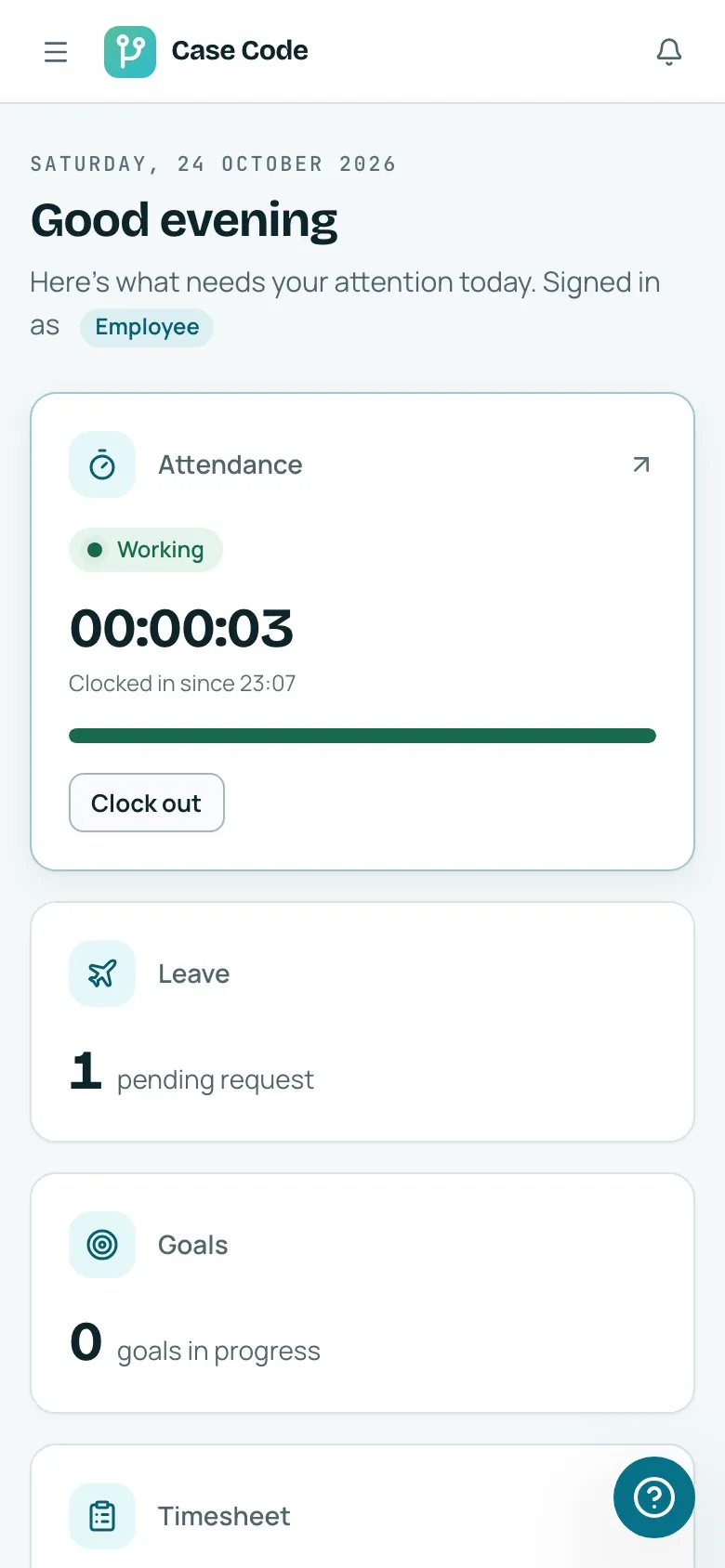
Clock in and out with breaks, against each person’s schedule and the company’s holidays.
People log their week per project and submit it for approval.
Managers approve or return the week. Finance locks approved weeks so they can’t be paid twice.
Monthly gross pay with overtime, bonuses and deductions, payslips for everyone and a payment file for your bank.
Case Code OS works out gross pay. Tax and social insurance stay with your local payroll provider or accountant.
Screens shown with sample data.
Short videos from the running app, one task each. Watch them before you sign up, or send them to your team.
Where everything is: people, time, leave, pay, reports, settings and help.
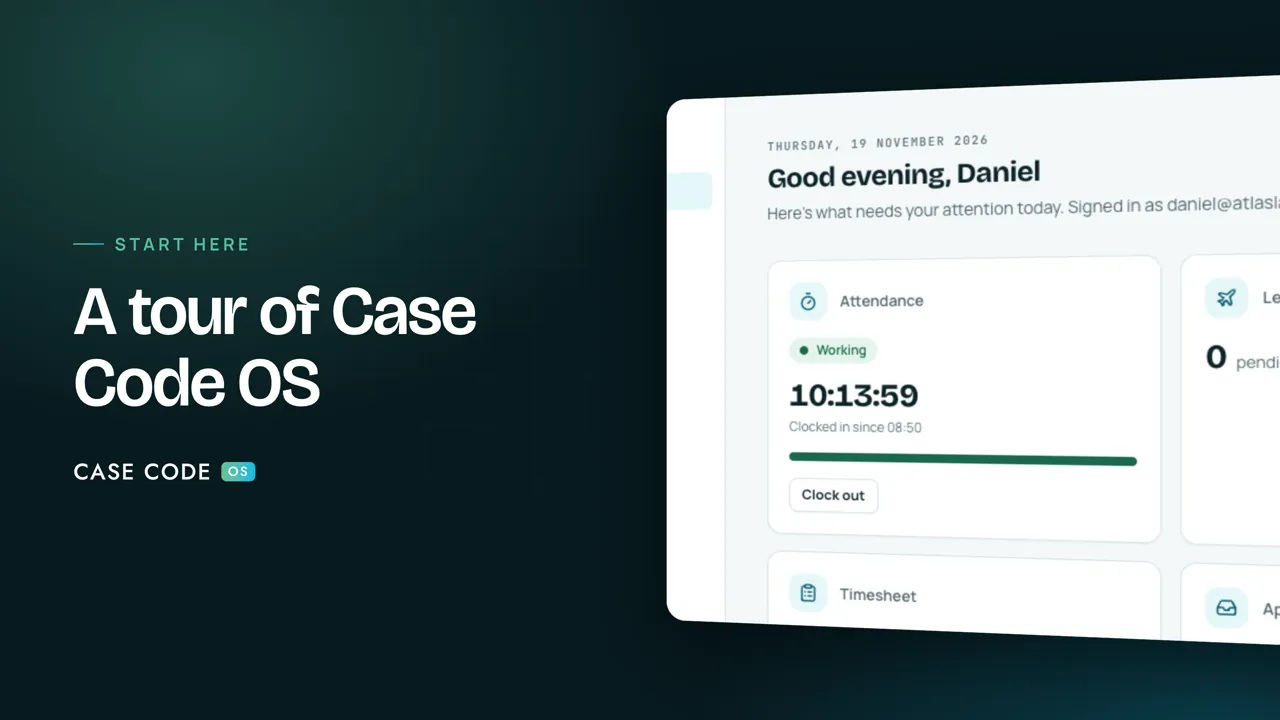
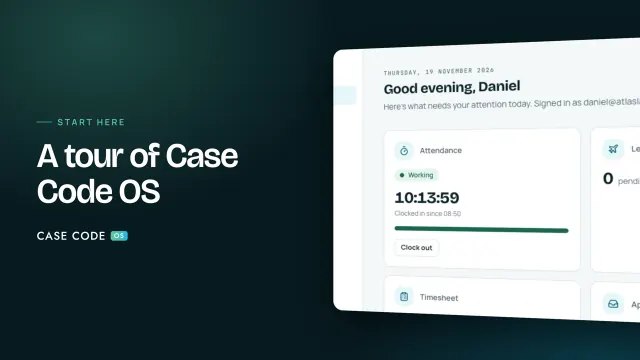 1:181.1A tour of Case Code OSWhere everything is: people, time, leave, pay, reports, settings and help.For everyone
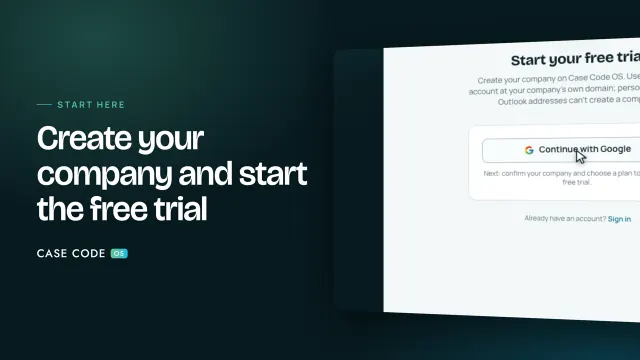 1:041.2Create your company and start the free trialCreate your company with your work Google account, add billing details and choose a plan.For the person setting up the company
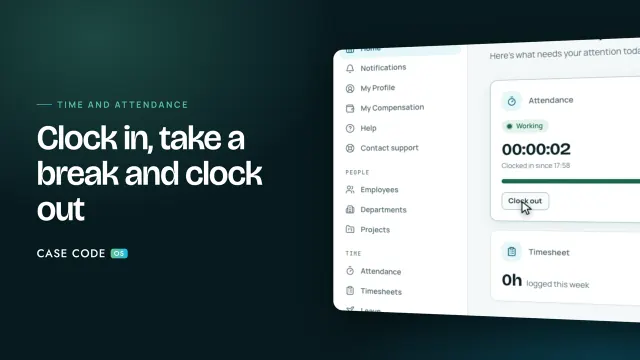 0:532.1Clock in, take a break and clock outRecord when you start, stop for a break and finish, and see your days against your schedule.For everyone
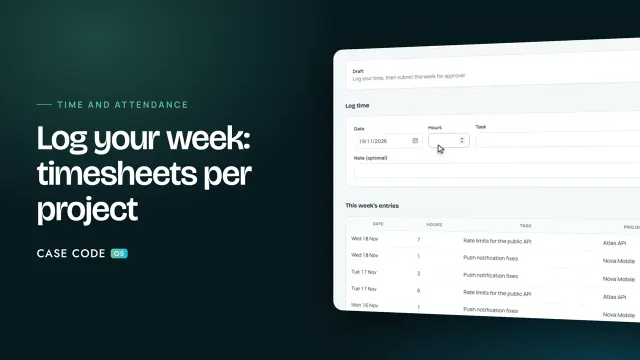 1:012.3Log your week: timesheets per projectLog hours by day and project, then submit the week for approval.For everyone
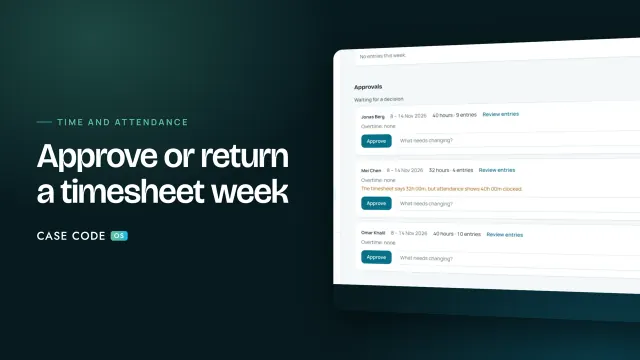 0:572.4Approve or return a timesheet weekCheck a person’s week, approve it, or send it back with a note.For managers, HR, admins and owners
Connect Jira and GitHub, and each person’s issues, sprints, pull requests and reviews appear next to their timesheets, goals and reviews.
Each integration is switched on by an administrator for their own organisation and can be disconnected at any time. Integrations are on the Growth and Enterprise plans. How the Jira and GitHub connections work.
Prices in US dollars per employee per month. Tax is added on top. Every plan starts with a 14-day free trial.
$8
per employee per month
$15
per employee per month
$30
per employee per month
You approve the plan in PayPal when you sign up. Nothing is charged until the free trial ends. Cancel any time; you keep access until the end of the period you’ve paid for.
Yes, 14 days on every plan. You approve the plan in PayPal at sign-up, and nothing is charged until the trial ends.
A Google Workspace account at your company’s own domain. Personal Gmail, Outlook and similar addresses can’t create a company.
No. It works out monthly gross pay with overtime, bonuses and deductions, and creates payslips and a bank payment file. Tax and social insurance stay with your payroll provider or accountant.
English, Arabic (right to left), French, German and Spanish. Each person chooses their own.
On Google Cloud (Firebase) in the United States.
Jira never sees your code. The GitHub app is installed only on repositories you choose and has read-only access, including to repository contents, which GitHub requires for release events. Case Code OS never downloads or stores your code and never writes to your repositories.
It’s a web app you can install on your phone’s home screen. There is no App Store or Google Play app.
Yes, any time. You keep access until the end of the period you’ve paid for.
Any currency. You set each person’s pay in the currency you pay them in.
Set up your company in minutes with your Google Workspace account. 14 days free.
Start free trialQuestions first? Talk to us.
If you need an internal platform built around how you work, tell us the problem and we’ll say honestly whether we’re the right people.
Start a project