Try it with your team
Set up your company in minutes with your Google Workspace account. 14 days free.
Start free trialQuestions first? Talk to us.
Case Code OS / Tutorials
Video tutorialsEach video shows one task in the running app, with sample data. Most take under a minute.
Where everything is: people, time, leave, pay, reports, settings and help.
Create your company, sign in, set up your profile, find your way around, install the app, and choose your language, theme and notifications.
 1:181.1A tour of Case Code OSWhere everything is: people, time, leave, pay, reports, settings and help.For everyone
 1:041.2Create your company and start the free trialCreate your company with your work Google account, add billing details and choose a plan.For the person setting up the company
 0:491.3How to sign in (and what to do if you can’t)Sign in with your company Google account, sign out, and find help if you’re refused.For everyone
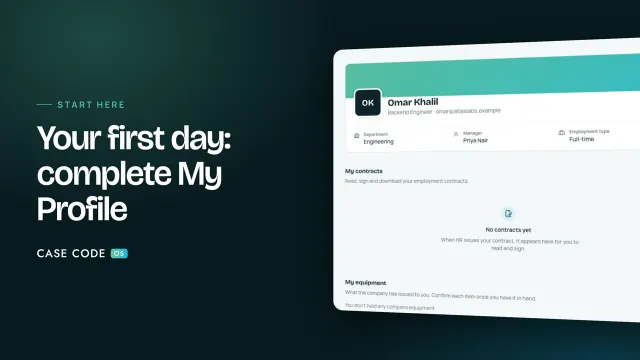 1:021.4Your first day: complete My ProfileWhat to fill in the first time you sign in, so your contract, pay and messages reach you.For everyone
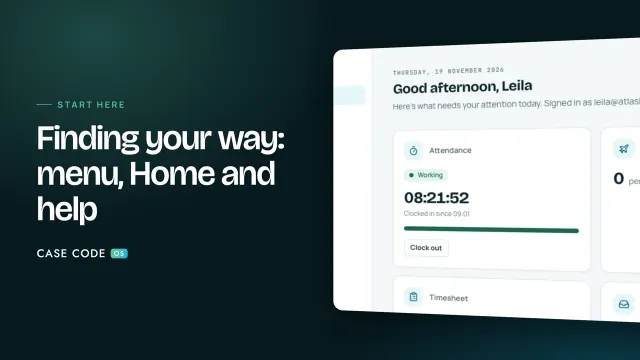 0:531.5Finding your way: menu, Home and helpWhat each part of the menu is for, and how to get help on any screen.For everyone
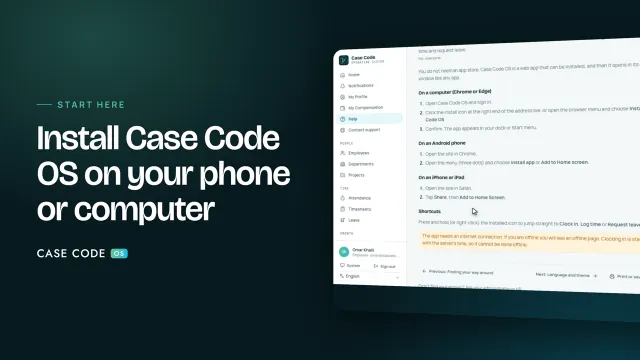 0:501.6Install Case Code OS on your phone or computerOpen Case Code OS from your home screen or dock, with shortcuts to clock in, log time and request leave.For everyone
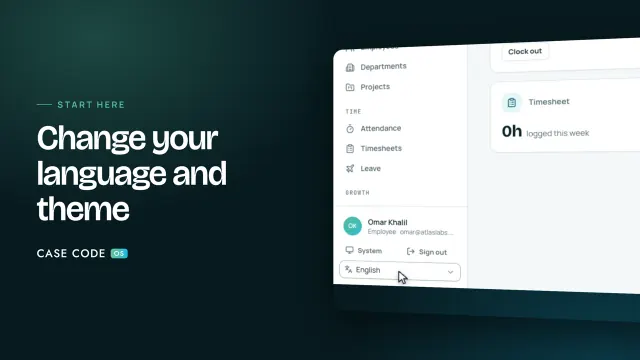 0:541.7Change your language and themeSwitch between English, Arabic, French, German and Spanish, and between light and dark.For everyone
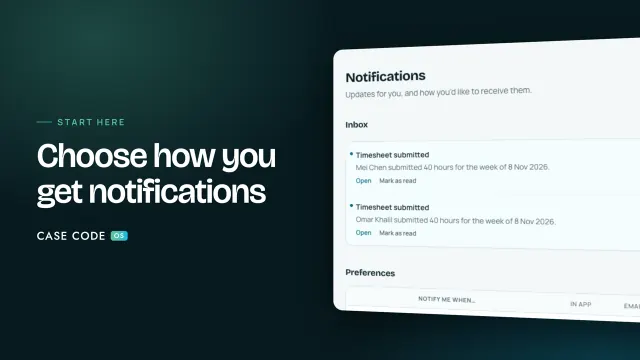 0:461.8Choose how you get notificationsRead your notifications, jump to what they’re about, and choose in-app, email or Slack for each kind.For everyone
Clock in and out, log weekly hours per project, approve and lock timesheets, overtime, and the work schedule and holidays.
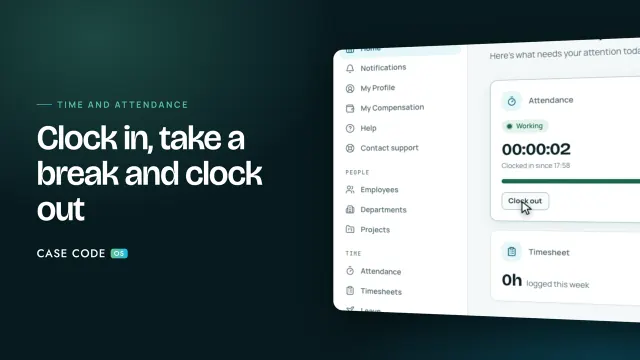 0:532.1Clock in, take a break and clock outRecord when you start, stop for a break and finish, and see your days against your schedule.For everyone
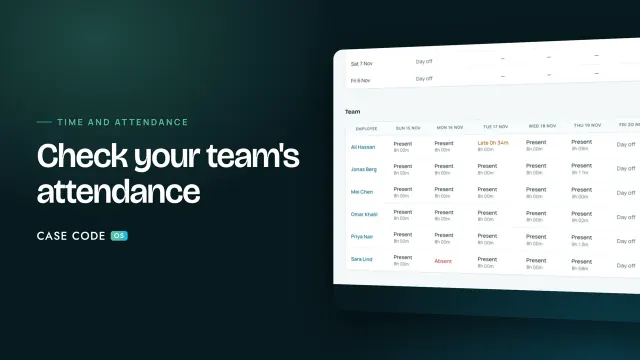 0:522.2Check your team’s attendanceSee who was present, late or absent this week, and move between weeks.For managers, HR, Finance, admins and owners
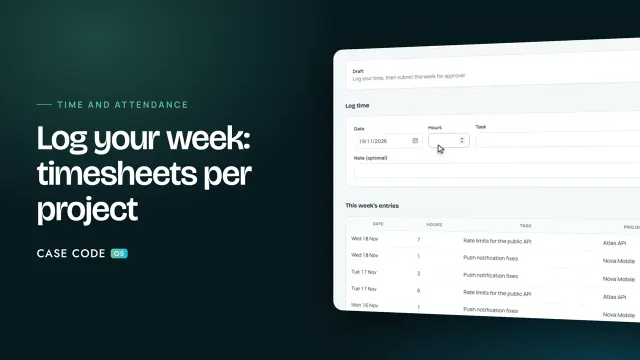 1:012.3Log your week: timesheets per projectLog hours by day and project, then submit the week for approval.For everyone
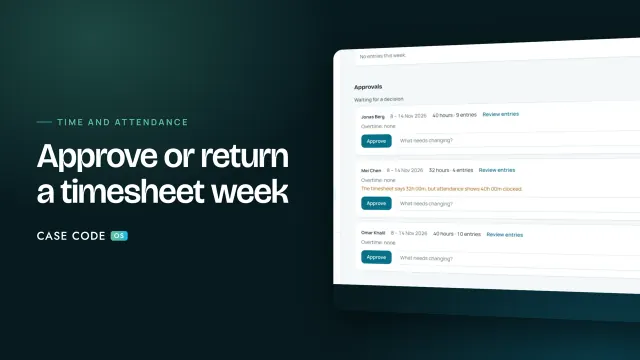 0:572.4Approve or return a timesheet weekCheck a person’s week, approve it, or send it back with a note.For managers, HR, admins and owners
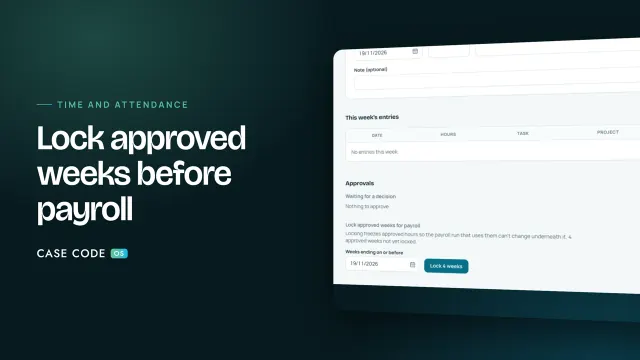 0:502.5Lock approved weeks before payrollFreeze approved hours so the payroll run that uses them can’t change, by hand or every Sunday.For Finance and owners
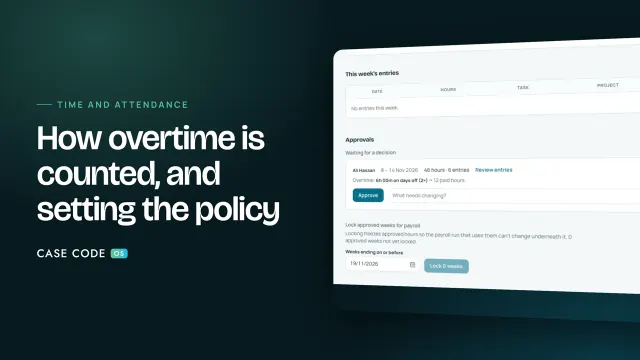 0:502.6How overtime is counted, and setting the policyRead the overtime summary on a week, and set the limit, night hours and rates.For everyone; Finance and owners set the policy
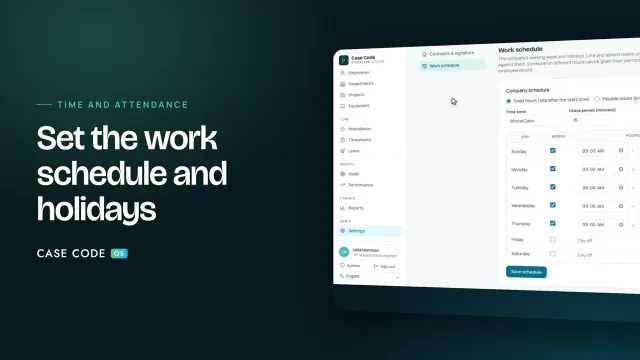 0:572.7Set the work schedule and holidaysChoose working days and hours, the grace period before someone is late, and the company’s holidays.For HR, admins and owners
Coming next: leave, payroll, contracts, goals and reviews, and settings. Follow the channel to see them first.
Case Code on YouTubeSet up your company in minutes with your Google Workspace account. 14 days free.
Start free trialQuestions first? Talk to us.
If you need an internal platform built around how you work, tell us the problem and we’ll say honestly whether we’re the right people.
Start a project